Welcome to Aster Health Collective
Today at the clinic
Welcome. Please check in with the care team if you need accessibility support, language assistance, or help connecting your device.

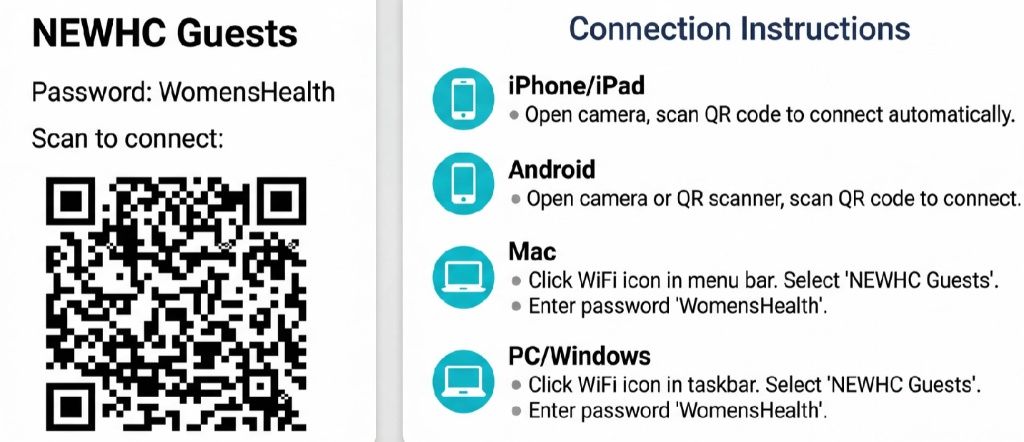
Point your camera at the QR code to connect
Connection Instructions